

Most form builders for the insurance industry claim to “do it all” — until you try using them on your landing page.
I’m sharing this from firsthand experience as the customer success lead at Heyflow. I work closely with many of our insurance customers here, and it means I’ve seen how much time and budget get wasted choosing the wrong platform. When you’re managing compliance, quality, and conversion rates all at once, you don’t need vague feature lists — you need clarity.
I’ll say this upfront: Heyflow is the strongest option for teams running paid ads and conversion-focused funnels. But not every insurance business is optimizing Facebook leads or collecting quotes through online forms. That’s why this isn’t a sales pitch — it’s a side-by-side comparison of five top form builders used in the insurance industry, each strong in different areas.
At the end of the day, the “best” tool is the one that fits your workflow and growth strategy. Let’s see what each platform has to offer.
Overview of the best no-code form builders for the insurance industry
Insurance teams need secure, compliant, and conversion-ready experiences, so not every generic form builder is fit for purpose.
Here’s an overview of the top five form builders for the insurance industry:
#1. Heyflow | #2. Zoho Forms | #3. 123FormBuilder | #4. Jotform | #5. Formstack | |
|---|---|---|---|---|---|
Design flexibility | ✅ | ✅ | ✅ | ✅ | ✅ |
Calculators | ✅ | ✅ | ✅ | ✅ | ✅ |
Payment processing | ✅ | ✅ | ✅ | ✅ | ✅ |
Logic & personalization | ✅ | ✅ | ✅ | ✅ | ✅ |
Built-in Analytics & A/B testing | ✅ | ✅/❌ (A/B via PageSense) | ✅/❌ (Native analytics; manual A/B via Insights) | ✅/❌ (Form analytics; A/B via integrations) | ✅/❌ (Form analytics; A/B via integrations) |
Data security & regulatory compliance | ✅ | ✅ | ✅ | ✅ | ✅ |
CRM integrations | ✅ | ✅ | ✅ | ✅ | ✅ |
Custom code | ✅ | ❌ No custom JS injection | ✅ | ❌ No custom JS injection | ✅ |
Pricing | From $45 / month | From $12 / month | Free, paid from $37/month | Free, paid from $37/month | From $99/month |
#1. Heyflow
Heyflow is a no-code builder for performance-focused teams that care about how to win insurance leads. Unlike basic form tools, Heyflow allows you to design fully interactive funnels with conditional logic, embedded calculators, tracking integrations, and compliance controls.
As for User Experience/User Interface UX/UI, the interface is geared toward conversion rather than administration, which makes it favorable for price quote flows, qualification processes, or instant-call routing. Naturally, there’s a learning curve if you want advanced analytics or customization, as the platform rewards teams who optimize actively (don’t we all).
Heyflow also integrates natively with Meta, Google, LinkedIn, and TikTok pixels, including server-side APIs like Meta CAPI and TikTok Conversions API for accurate attribution.
In short: Heyflow is less of a basic form builder and more of a front-end engine for insurance lead generation.
Watch this video to see how it works👇
Best for: Guided experiences
Choose Heyflow if you want to build stand-out insurance solutions that feel more like guided experiences than standard forms. Heyflow’s ideal when:
You’re driving paid traffic and need every click to count
You care about mobile-optimized journeys with analytics built in
You want interactive quotes or eligibility flows instead of passive data capture
If you’re running internal surveys, updating existing forms, or just need basic contact capture, lighter tools may do the job. But if you're replacing physical paperwork, targeting users on mobile devices, and care about paid acquisition and lead quality, Heyflow is the clear winner.
Key features
Heyflow: Key features for the insurance industry | ||
|---|---|---|
Feature | Availability | Details |
Design flexibility | ✅ | Design flows, form fields, and landing pages all without needing to know a line of code. Choose from more than 40,000 icons from the icon library, add your own custom fonts, and design on-brand. |
Calculators | ✅ | Add calculations to your insurance form to evaluate leads and create a tailored sales funnel. |
Payment processing | ✅ | Enjoy the ease of built-in payment processing with integrations from Zapier, Stripe, and PayPal. |
Logic & personalization | ✅ | Use Conditional Logic to show only the fields that matter based on each user’s responses. It keeps forms focused, reduces friction, and makes the experience more efficient for both your team and your customers. |
Built-in analytics & A/B testing | ✅ | Built-in analytics that track key performance indicators like conversion rates, drop-off rates, and user device types, allowing you to learn from your visitors’ behavior in real time. |
Data security & regulatory compliance | ✅ | Enterprise-grade data security with SOC2 and HIPAA compliance, Editable Cookie and Consent Banner. |
CRM integrations | ✅ | From Salesforce to Zapier, Google Sheets to Monday.com, boost lead generation with CRM integrations. |
Custom code | ✅ | Supports embedded scripts, pixels, and advanced tracking logic. Ideal for performance marketers who use Meta CAPI, TikTok API, or custom event tracking. |
Stay safe — let our cookies handle consent. 🍪 Watch how.
Strengths and limitations
Heyflow pros and cons | |
|---|---|
Pros | Cons |
Highly customizable forms | No free plan |
Built-in tracking and integrations | A/B testing is only available on the Scale plan |
Optimized for paid marketing funnels | Collaboration features are only available on the Enterprise plan |
Pricing
Plan | Price | Features |
|---|---|---|
Starter | $45/month | 5 flows, seamless integration, Website embedding |
Growth | $119/month | 10 flows, Core Design and Conversion bundle, Heyflow branding removal |
Scale | $289/month | 20 flows, Advanced webhooks, Salesforce integration |
Enterprise | Custom pricing | Tailored solutions for specific needs |
The big benefit of Heyflow’s new pricing model is flexibility:
Outcome-based plans: Only pay for the leads you generate
Custom feature bundle: Choose only what you actually need
Scalable add-ons: Adjust volume as you grow, starting from $0.18 per additional response or $9.60 per additional flow
Let the good forms flow.
Heyflow customer reviews
Don’t just take it from us, hear what customers are saying. Jesse Thompson, Senior Product Designer at Rocket Mortgage, says “Heyflow is a perfect no-code solution. I could build a new lead form myself in just a few days.” Jesse goes on to say “Beyond the simplicity and speed, Heyflow is remarkably customizable to even match our company’s strict brand guidelines.” Just one of a number of Heyflow customer success stories.

From scale-ups to Fortune 500 companies across various industries worldwide, over 2,000 businesses are already converting website visitors more effectively and propelling their lead generation.
#2. Zoho Forms
Zoho Forms makes the most sense if your insurance team already runs on the Zoho stack. With its drag-and-drop interface, you can create branded forms featuring file uploads, digital signatures, calculations, and conditional logic. It supports mobile and offline data capture, making it ideal for field operations and on-the-go workflows.
Deep integrations with Zoho CRM, Salesforce, Google Sheets, and Slack enable seamless data sync, while payment gateways like Stripe and PayPal support commerce use cases.
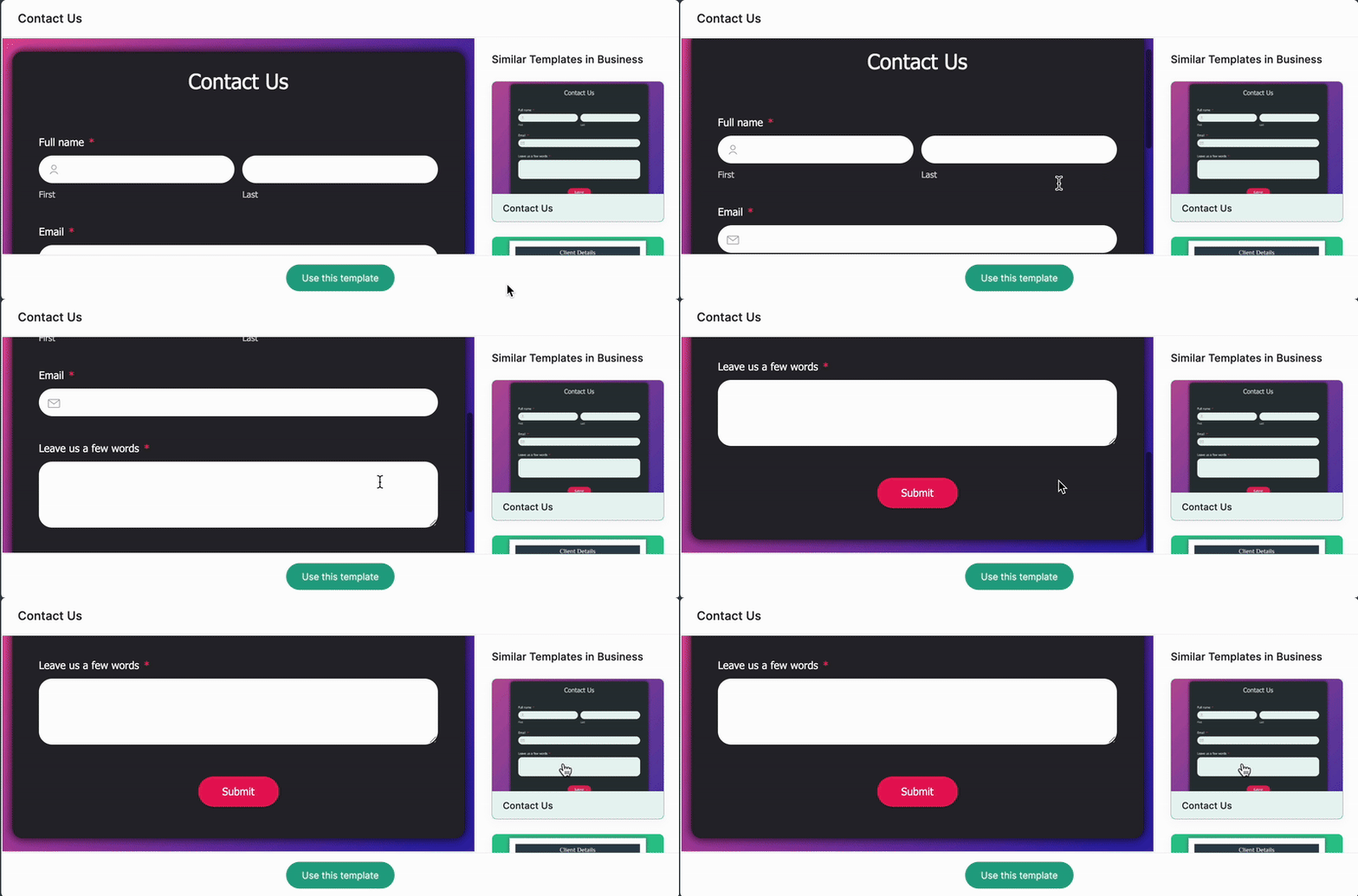
Best for: Existing Zoho users
Use Zoho Forms when you:
Already use Zoho CRM, Zoho Desk, or Zoho Campaigns and want seamless data sync across your tools
Need to automate approvals or notifications inside the Zoho ecosystem without extra integrations
Want to collect data offline through mobile apps for inspections, surveys, or field operations
However, if you’re looking for smart forms that move users through the funnel, this is not the best option. Zoho Forms doesn’t allow you to save form templates, so if your tech patience is already slim, starting from scratch every time may start to wear you thin.
Key features
Zoho Forms: Key features for the insurance industry | ||
|---|---|---|
Feature | Availability | Details |
Design flexibility | ✅ | Customize themes, layouts, and fonts. You can choose from templates or start from scratch and personalize to your brand identity |
Calculators | ✅ | Calculation Fields and Formula field support multilevel and conditional calculations for totals, discounts, and scores |
Payment processing | ✅ | Built-in payment field with integrations for Stripe, Razorpay, PayPal Checkout, Square, and Instamojo |
Logic & personalization | ✅ | Conditional rules/field rules to show/hide fields and create dynamic, personalized flows |
Built-in analytics & A/B testing | ✅/❌ | Built-in analytics and reports are available in Zoho Forms, while A/B testing is provided via Zoho PageSense integration rather than native A/B inside Forms |
Data security & regulatory compliance | ✅ | Security controls include AES‑256 encrypted forms, field encryption, OTP, plus GDPR and HIPAA compliance |
CRM integrations | ✅ | Zoho Forms integrates deeply with Zoho CRM and also connects to Salesforce and others via direct connectors or automation layers like Zoho Flow for end‑to‑end lead and case workflows |
Custom code | ❌ | While primary customization relies on the visual builder, there is no custom code editor/JS injection capability |
Strengths and limitations
Zoho Forms pros and cons | |
|---|---|
Pros | Cons |
Works smoothly with Zoho CRM, Zoho Campaigns, and Google tools | No deep customization or design flexibility |
Great for internal workflows | No conditional formatting, limiting conversion |
Offline access and mobile apps | No reusable templates, requiring users to start from scratch |
Pricing
Plan | Price | Features |
|---|---|---|
Free | — | Only for one user and three forms |
Basic | $12/month | Standard form creation with limited submissions |
Standard | $30/month | More storage and form automation |
Professional | $60/month | Advanced form workflows and integrations |
Premium | $110/month | Maximum limits for data collection and automation |
Zoho Forms customer reviews
Zoho Forms is often considered a dependable entry-level option, especially when teams already use other Zoho products. Users typically speak well of the integrations within the Zoho ecosystem, noting that data flows easily between CRM, email, and basic reporting tools.
While widely regarded as easy to use, several reviewers mention that the overall UX/UI feels dated. This Reddit thread suggests Zoho Forms is best suited for small businesses, serving insurance companies with simple data collection needs rather than complex lead journeys. Viviana C. says, “it stands out as a versatile solution for businesses and individuals alike.”
#3. 123FormBuilder
123FormBuilder sits between admin utility and marketing tool: flexible enough to handle claims requests, policy update forms, or client onboarding, but without feeling overly technical. It supports multi-page logic, approvals, and PDF generation, which is useful when your workflow involves multiple departments or compliance documentation.
The interface is older compared to newer no-code tools, and customization is limited unless you’re comfortable tweaking CSS.
Meanwhile, its template library and native integrations (including Salesforce and HubSpot) make it a practical fit for teams that need structure over flair. It won’t turn heads, but it will keep operations moving without constant IT involvement.
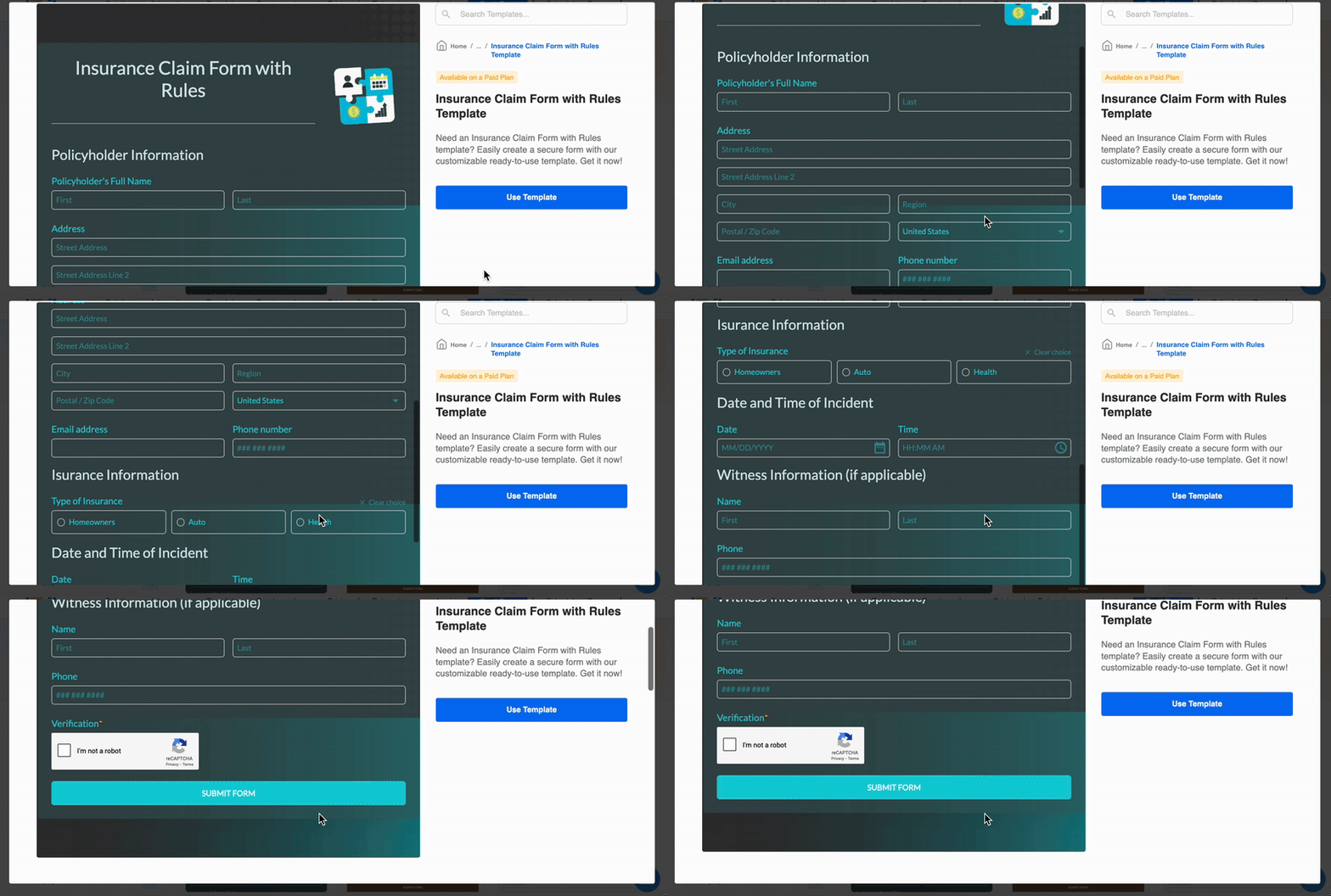
Best for: Operational Insurance Teams
Choose 123FormBuilder if you:
Need internal or partner-facing forms that must follow approvals or routing rules
Want PDF-ready submissions for underwriting or compliance archives
Prefer structured workflows over design-heavy experiences
It’s not built to capture attention in paid funnels. But for back-office efficiency and documentation-heavy processes, 123FormBuilder earns its place. For engaging, conversion-focused flows that guide users step by step, Heyflow offers a more dynamic and attractive alternative.
Key features
123FormBuilder: Key features for the insurance industry | ||
|---|---|---|
Feature | Availability | Details |
Design flexibility | ✅ | Includes a visual Form Designer for layouts, fonts, colors, buttons, and field styling, plus theme settings and reusable themes. It also supports adding custom CSS to target any selector for pixel-level control. |
Calculators | ✅ | You can add calculation/formula fields to compute totals, taxes, discounts, fees, and custom price logic; product and payment summary components work with these formulas for quotes and order totals |
Process payments | ✅ | Payments are supported through built-in payment integrations you configure on the form, enabling order, donation, and registration forms with real transactions |
Logic & personalization | ✅ | Conditional logic is available via Field Rules and form rules to show/hide fields, pages, or actions based on answers, enabling personalized flows and targeted follow-ups. |
Built-in Analytics & A/B testing | ✅/ ❌ | Native analytics are provided via Insights and Field Insights to monitor views, submissions, conversions, and field-level performance. There is no dedicated in-product split-test toggle, so A/B testing is done by creating variants and comparing metrics in Insights. |
Data security & regulatory compliance | ✅ | GDPR and HIPAA compliance options, along with security controls (encryption, SSL, roles/permissions, audit features, and data residency for enterprise) |
CRM integrations | ✅ | Integrates with tools like Google Drive, Mailchimp, and PayPal, great for basic data collection and payment forms. |
Custom code | ✅ | Advanced customization allows adding custom CSS globally or per form and attaching a custom JavaScript file and Thank You page scripts for behavior and tracking |
Strengths and limitations
123FormBuilder pros and cons | |
|---|---|
Pros | Cons |
Intuitive drag-and-drop interface | Limited customization and design flexibility |
Extensive template library with over 3,000 form templates | Occasional performance issues, particularly with complex forms |
Advanced features like conditional logic, payment integrations, and automated workflows | Advanced features are gated behind higher-tier plans |
Pricing
Plan | Price | Key features |
|---|---|---|
Basic | Free | Limited features, basic form creation |
Gold | $37/month | More submissions, branding removal |
Platinum | $49/month | Payment integrations, advanced fields |
Diamond | $99/month | Higher limits, team collaboration |
Enterprise | $225/month | Custom features, full data security compliance |
Customer reviews
123FormBuilder gets positive reviews for overall usability, with users noting its straightforward form creation and template library. However, some reviewers report occasional bugs and limited customization options, especially when trying to match complex branding requirements.
Teams also appreciate its integrations with CRMs and payment tools, though some wish the reporting and analytics were more robust. For example, while 123FormBuilder offers basic visualizations like pie and bar charts, some users have noted that these options are relatively simple and may not provide the depth needed for advanced data analysis.
Still, overall, it’s seen as a reliable choice for operational workflows rather than highly interactive or marketing-focused funnels.
#4. Jotform
Jotform is one of the most widely used Formstack alternatives, offering a drag-and-drop builder and a large library of pre-designed templates. It handles form submissions efficiently and supports conditional logic, calculations, and payment integrations, making it versatile for insurance workflows like client onboarding, quote requests, and consent forms.
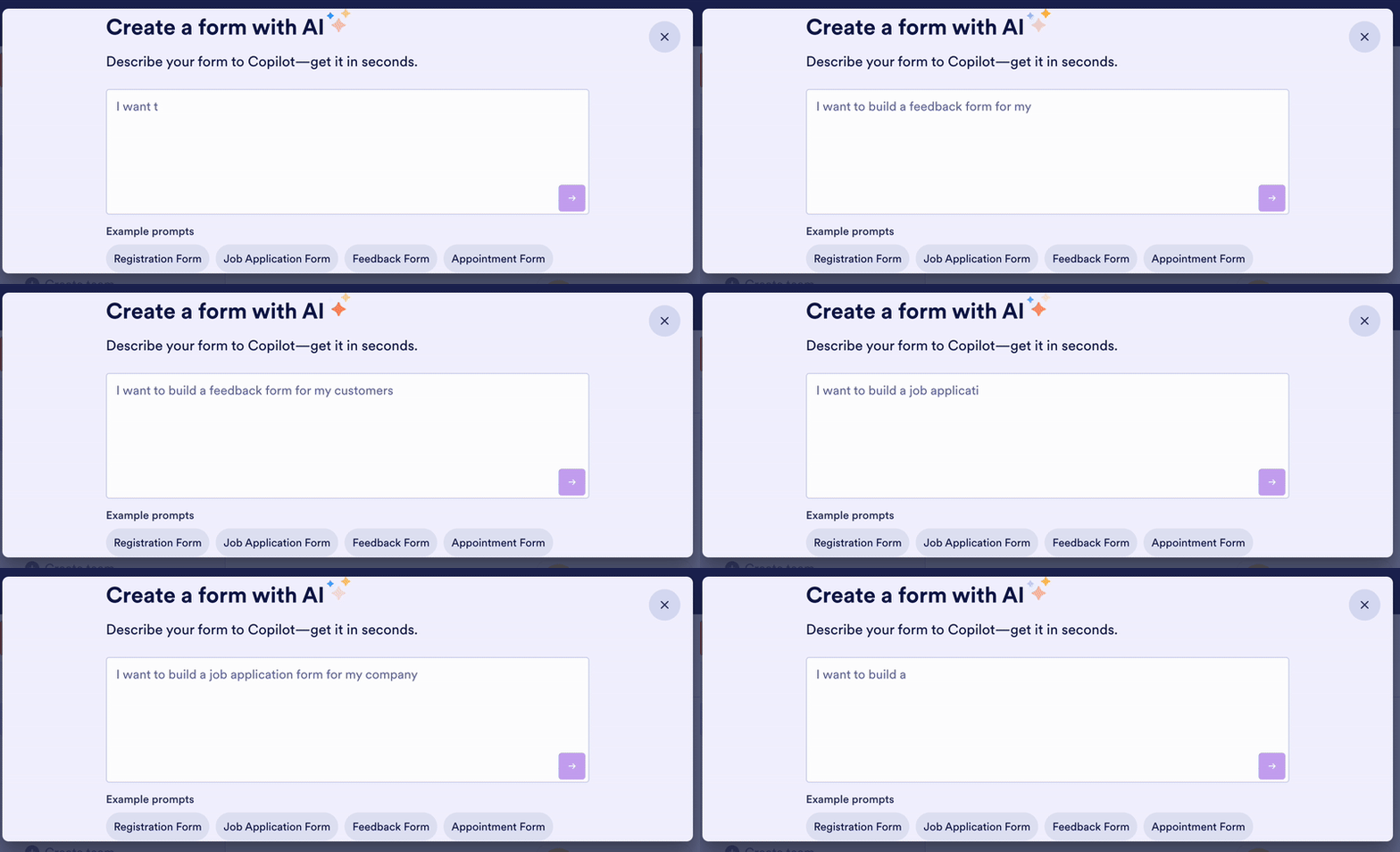
Best for: Flexible, Compliance-Conscious Insurance Forms
Jotform works well when you need versatile forms for both internal and client-facing insurance processes. It’s ideal if you:
Require HIPAA, GDPR, or PCI compliance for sensitive client data
Want ready-to-use templates for claims, onboarding, or consent forms
Need custom calculations or integrations with CRM and payment platforms
Jotform excels for secure, flexible, and compliance-focused form workflows. Heyflow takes compliance a step further and adds conversion—turning traffic into qualified leads through interactive funnels, mobile-optimized journeys, and real-time validation.
Key features
Jotform: Key features for the insurance industry | ||
|---|---|---|
Feature | Availability | Details |
Design flexibility | ✅ | Offers Classic and Card layouts, an Advanced Designer for brand styling, theme controls, and layout switching; Classic forms support injected CSS for control, while Card layout has styling limits. |
Calculators | ✅ | Built-in Form Calculation and Calculator widgets let you compute totals, scores, and custom formulas in real time, with a full category of calculation widgets |
Process payments | ✅ | Native integrations with major gateways (e.g., Stripe, PayPal, Square, Authorize.Net) and payment setup guides enable collecting payments, subscriptions, and donations, including reusable payment connections |
Logic & personalization | ✅ | Includes show/hide, skip, calculations, conditional emails, and dynamic content via Jump Logic to adapt forms to answers |
Built-in Analytics & A/B testing | ✅/❌ | Jotform includes a Form Analytics dashboard and supports analytics integrations, but it does not provide native A/B testing; guidance/tools exist, yet split testing must be handled via integrations |
Data security & regulatory compliance | ✅ | Security includes 256-bit SSL, encryption, PCI compliance, and Enterprise options such as SOC 2 Type II and HIPAA-friendly environments with regional hosting. |
CRM integrations | ✅ | Update contacts and deals with ActiveCampagin, send new contacts with HubSpot, and Jotform utilizes a number of CRM integrations helpful for insurance form templates. |
Custom code | ✅/ ❌ | CSS injection is supported on Classic forms and many widgets; adding custom JavaScript is not allowed on Jotform-hosted forms and is only possible if you download and self-host the full source code |
Strengths and limitations
Jotform pros and cons | |
|---|---|
Pros | Cons |
Offline data collection, enabling users to gather responses even without an internet connection | Limited layout styles, diminishing creative control over form design |
10,000+ pre-designed templates, allowing users to easily use forms tailored to their specific needs | Slow loading times when handling large datasets impact efficiency, usability, and conversion rates |
Integrations with third-party tools, including CRM systems, payment gateways, and cloud storage services | Some features require custom coding, which could be a barrier for users without technical expertise |
Pricing
Jotform mainly shows annual plans, and you have to sign up to see the monthly ones. Here’s a quick look at Jotform’s monthly pricing.
Plan | Price | Features |
|---|---|---|
Starter | Free | 5 forms, 100 submissions/month, 100 MB storage, JotForm branding |
Bronze | $39/month | 25 forms, 1,000 submissions/month, 1 GB storage, no branding |
Silver | $49/month | 50 forms, 2,500 submissions/month, 10 GB storage, no branding |
Gold | $129/month | 100 forms, 10,000 submissions/month, 100 GB storage, HIPAA compliance, no branding |
Enterprise | Custom pricing | Tailored solutions for advanced needs |
Customer reviews
Users praise Jotform for its ease of use and comprehensive template library, particularly for consent forms and client onboarding. Some mention limitations with large datasets or advanced customization, but overall, it’s seen as reliable for secure, compliance-focused workflows.
Strategic Growth Specialist Katy Belvins C. speaks highly of Jotform’s easy-to-use technology, streamlining projects and improving efficiency. However, Katy also mentions the limitations of the monthly submissions, so be sure to consider that when picking your plan.
#5. Formstack
Formstack is designed for insurance teams that need structured workflows and automation alongside form creation. It supports multi-step forms, approvals, and conditional logic, making it suitable for processes like claims submissions, policy updates, or internal audits. The platform integrates with major CRMs, email tools, and payment processors, helping teams reduce manual data entry.
While Formstack offers advanced features, its interface can feel more complex compared with simpler no-code tools, and high customization often requires some technical knowledge. For organizations prioritizing workflow efficiency, compliance, and data routing, Formstack provides a dependable solution.
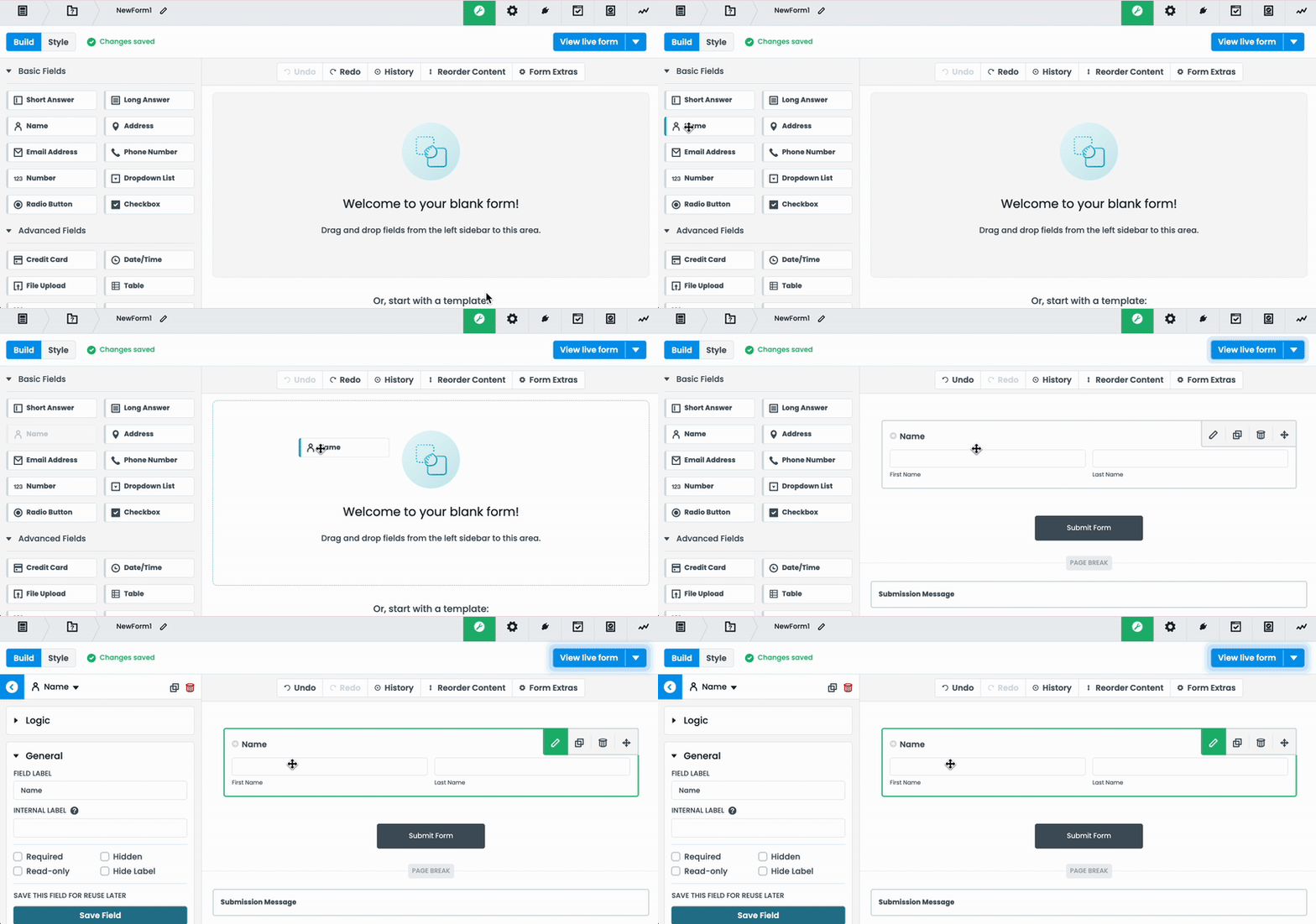
Best for: Workflow-Driven Insurance Teams
Formstack is a strong choice if you:
Need automated routing for claims, policy updates, or client intake
Manage complex internal approvals or multi-department workflows
Require tight integration with CRMs, email platforms, and document management
Are focused on operational efficiency and compliance rather than front-end lead conversion
For paid lead generation or interactive funnels, Heyflow still outperforms, but Formstack shines when structured processes and automation are the priority.
Key features
Formstack: Key features for the insurance industry | ||
|---|---|---|
Feature | Availability | Details |
Design flexibility | ✅ | Formstack allows customization of form layouts, themes, and fields, though advanced styling may require technical knowledge |
Calculators | ✅ | Formstack includes “Calculating Fields” that let you assign values and build formulas so totals and scores are computed automatically (e.g., order totals, survey scoring) using a drag‑and‑drop builder. |
Payment processing | ✅ | You can accept payments through integrated processors like Stripe, PayPal, and Authorize.Net, with options for on‑form card entry, quantities, discounts/coupons, and recurring payments. Payment fields and integrations are designed to be PCI‑compliant. |
Logic & personalization | ✅ | Conditional logic and multi-step workflows help tailor forms based on user responses for smoother insurance processes. |
Built-in Analytics & A/B testing | ✅/❌ | Provides built‑in form analytics (views, conversions, abandonment, field bottlenecks) and supports UTM tracking. You can also add the Google Analytics plugin. However, the legacy A/B testing feature is no longer available. |
Data security & regulatory compliance | ✅ | PCI compliance for payments, offers HIPAA‑supporting features and standard BAA on applicable plans, and states support for GDPR/PIPEDA privacy practices. Data is encrypted and hosted on AWS with SOC-backed programs, with access controls and timeouts. |
CRM integrations | ✅ | Native integrations and connectors are offered for major CRMs and marketing systems like HubSpot, Microsoft Dynamics, Zoho CRM, Pardot, and Pipedrive |
Custom code | ❌ | You can add custom CSS via Themes and Advanced Code Editor, embed with JavaScript, and inject custom JavaScript through form settings or page embeds |
Strengths and limitations
Formstack pros and cons | |
|---|---|
Pros | Cons |
Easy to use with a simple, intuitive interface that doesn’t require coding knowledge | No free option, and larger plans can be expensive for smaller teams |
Reliable data collection and compliance features, including HIPAA support for sensitive information | Learning curve for design flexibility — forms can look plain without CSS customization |
Task automization for streamlining contracts, proposals, and lead routing |
Pricing
Plan | Price | Features |
|---|---|---|
forms | $99/month | 25 forms, 1,000 submissions, 1 Builder User, Custom Branding, and more. |
suite | $299/month | 100 forms, 5,000 submissions, 3 Builder Users, Workflows Access, and more. |
Enterprise | Custom pricing | Customized packages for your insurance business created by a dedicated customer success manager. |
Customer reviews
In general, Formstack receives praise for its robust integration options. From Google Contacts to Facebook, your online forms won’t get stuck or lose data here. However, Formstack does get mixed reviews for other features.
Director of Digital Marketing, Michael M, shares likes including data protection, integration capability, and flexibility in this Formstack review. In the same review, Michael dislikes the look of the forms, the complication of customization, and the level of user-friendliness.
Choose the form builder that’s best for your insurance funnels
Deciding which form builder to use depends on your workflow, goals, and audience. Here’s a quick guide:
Heyflow: Best for paid lead funnels and conversion-focused insurance forms
123FormBuilder: Ideal for internal workflows, approvals, and PDF-ready submissions
Zoho Forms: Works well if you’re already in the Zoho ecosystem and need simple data capture
Jotform: Strong choice for HIPAA-compliant, client-facing forms and consent forms
Formstack: Perfect for automated workflows, approvals, and integration-heavy processes
If you’re looking for a flexible, no-code solution to optimize lead generation, personalize user journeys, and simplify form creation, try Heyflow, built specifically for insurance teams focused on efficiency and conversion. But don’t just take it from me, try it for yourself.
Thanks for reading! Feel free to connect with me on LinkedIn if you want to chat Heyflow through more!
Insurance form builders FAQs
Q1. Why should I use a no-code insurance form builder?
A no-code insurance form builder allows teams to create and modify forms without relying on IT. For the insurance industry, this means you can launch lead capture flows, quote requests, and client intake forms quickly while maintaining compliance and control over form submissions. It reduces development time and allows marketers and operations teams to focus on conversion rather than coding.
Q2. Which form builder is best for interactive insurance funnels?
The best form builder for insurance funnels is one that supports multi-step flows, conditional logic, and integrated analytics. Tools like Heyflow excel in this area because they turn paid traffic into qualified leads efficiently while providing insights for ongoing optimization.
Q3. Can I integrate insurance form builders with existing software?
Yes. Most modern form builders for the insurance industry support integrations with CRMs, email platforms, and analytics tools. This ensures that form submissions flow seamlessly into your workflows, saving time and reducing the risk of data entry errors.
Q4. Are insurance form builders secure and compliant with regulations?
Leading form builders for the insurance industry include security features like SSL encryption and support compliance with HIPAA, GDPR, and other regulations. Choosing a compliant platform is critical when handling sensitive client data, especially for consent forms, claims, and policy documents.
Q5. Do insurance form builders help improve lead quality?
Yes. They guide users through personalized flows, qualify leads with conditional logic or calculators, and capture accurate information upfront. This reduces low-quality submissions and ensures your sales team spends time on the most promising prospects.