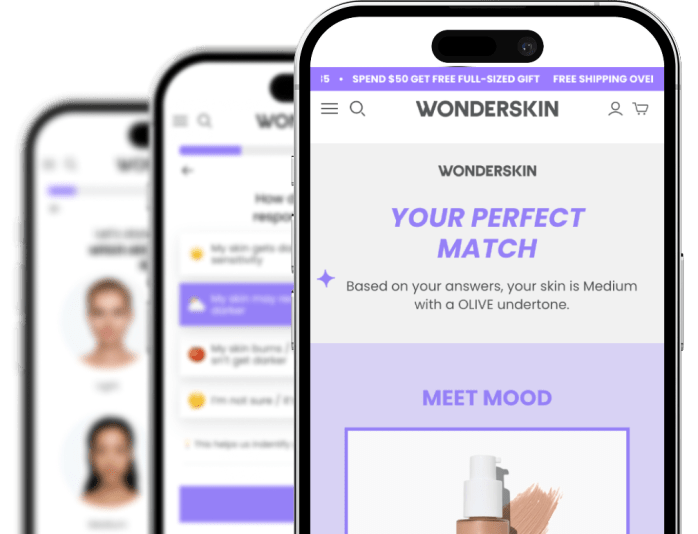
Bring your AI. We bring the conversions.
Connect Claude, ChatGPT, or Cursor to Heyflow. Build and edit funnels from your own AI stack – plugged into the platform that’s seen $2B+ in ad spend convert across 150k funnels.
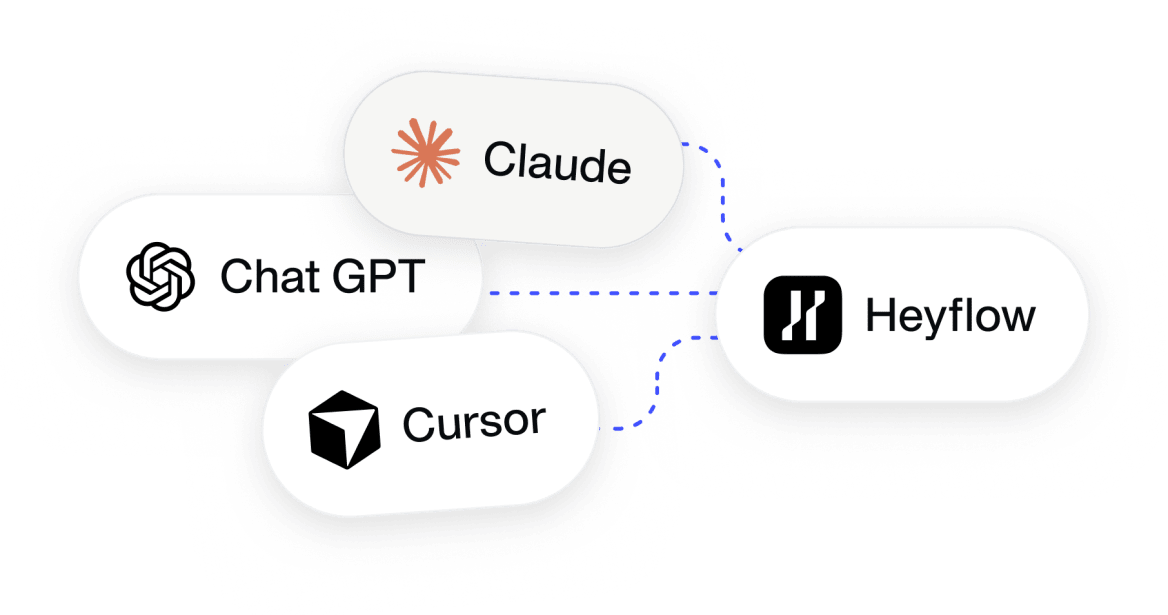
Bring your own AI.
Borrow ours to know what works.
Any AI can generate a landing page, funnel, or quiz in minutes. None of them have seen what actually converts: they’ve read the internet, not your industry’s post-click performance. Heyflow has – 150k funnels, $2B+ in ad spend. Connect your AI to Heyflow MCP, and it doesn’t just build inside our infrastructure. It can ask the platform what’s working before you spend a dollar of ad budget finding out the hard way.
Your AI builds the page.
Heyflow runs everything behind it.
The full production stack, already wired the moment your funnel goes live.
 Claude
 Chat GPT
 Cursor
 Heyflow
From first prompt to next winner –
in one conversation.
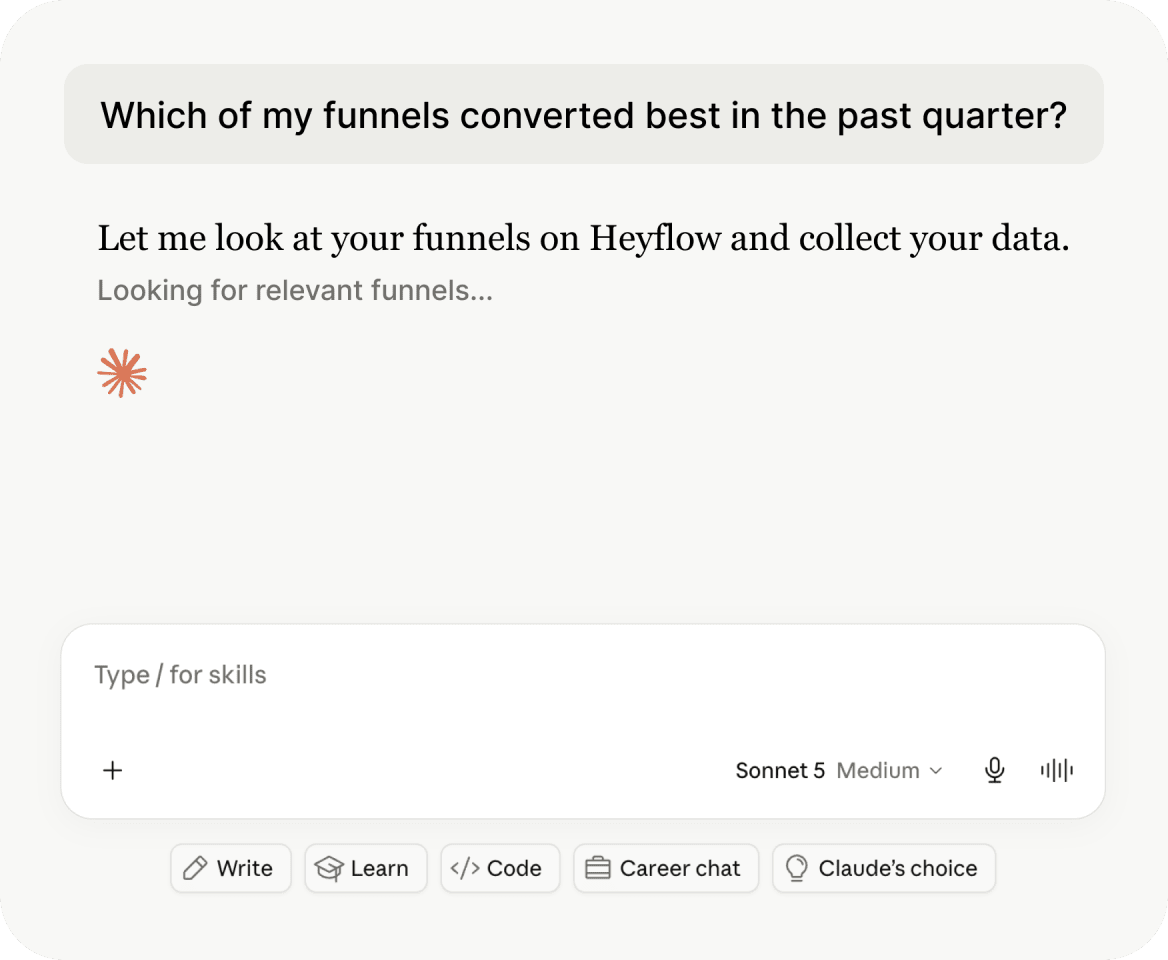

Plan on your numbers, not your hunches.
- Ask which of your funnels converted best last quarter - answers from your actual data, not memory.
- Benchmark your funnel against your vertical – built from 150k funnels – before you spend a dollar finding out.
- Pull Meta spend via the Meta MCP into the same conversation: blended CPL and ROAS, calculated in chat.
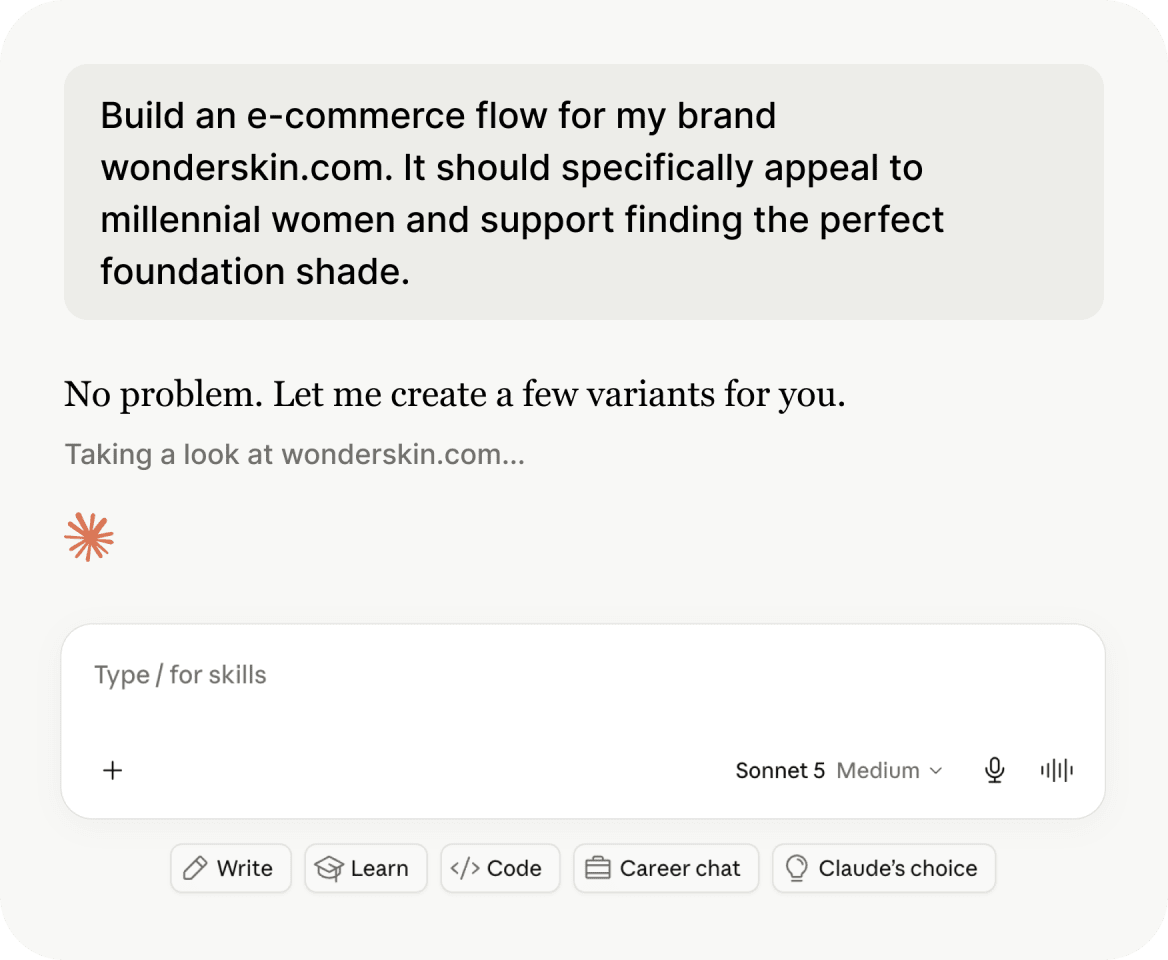

Build production-ready, not just live.
- Describe the funnel; it ships through Heyflow with tracking, validation, and consent already wired.
- Every lead validated at the source – phone checks, OTP – so your CRM and your ad signals stay clean from day one.
- Need fifty variants, not one? The Heyflow CLI builds and edits at scale, straight from your agent.
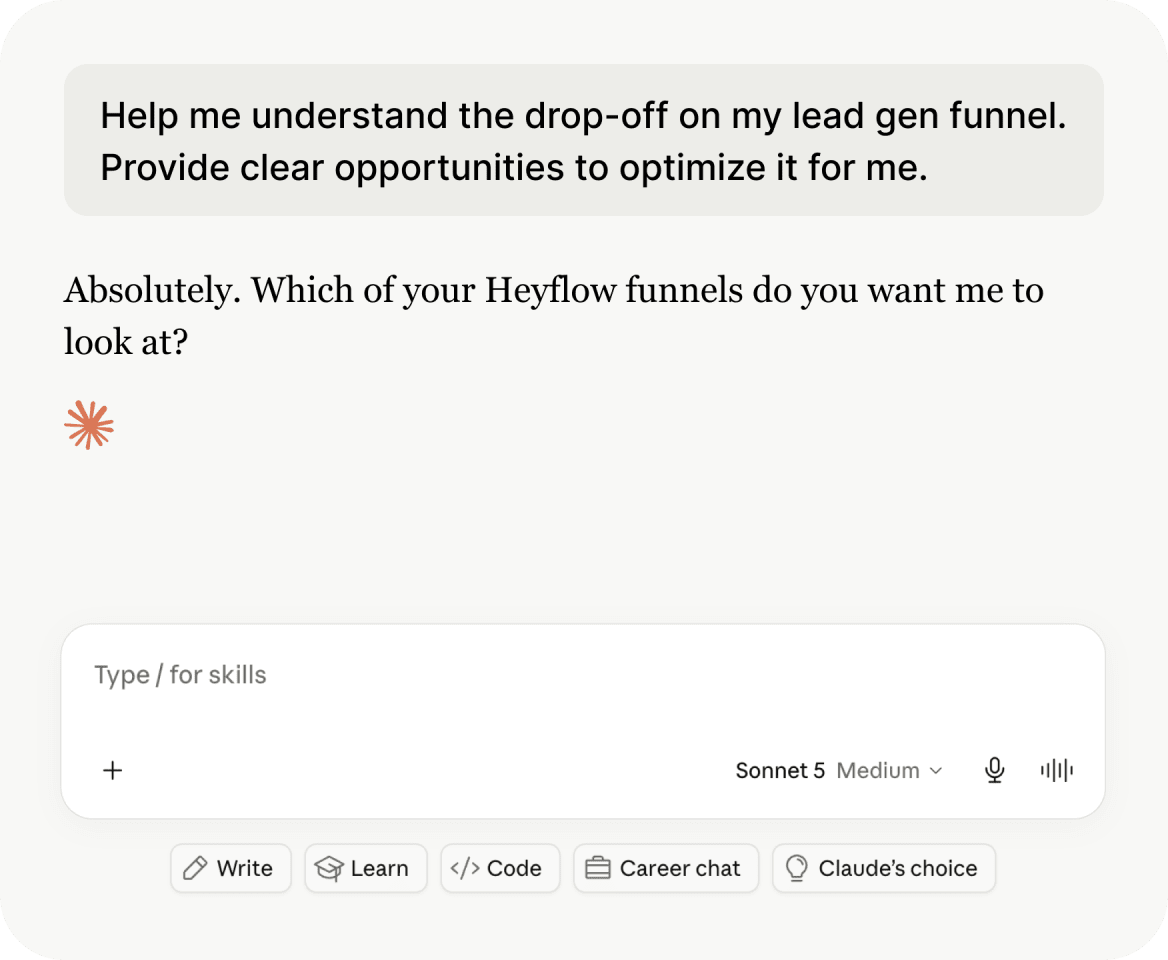

Optimize with the test attached.
- Ask where the funnel is leaking – per-screen drop-offs, ranked by impact, from live data.
- Every suggested fix ships with a native A/B test: suggestion, test, winner. No unproven change ever meets your paid traffic.
- Put it on a schedule: tell Claude to review every Monday – suggestions land with the test attached, winners roll out.
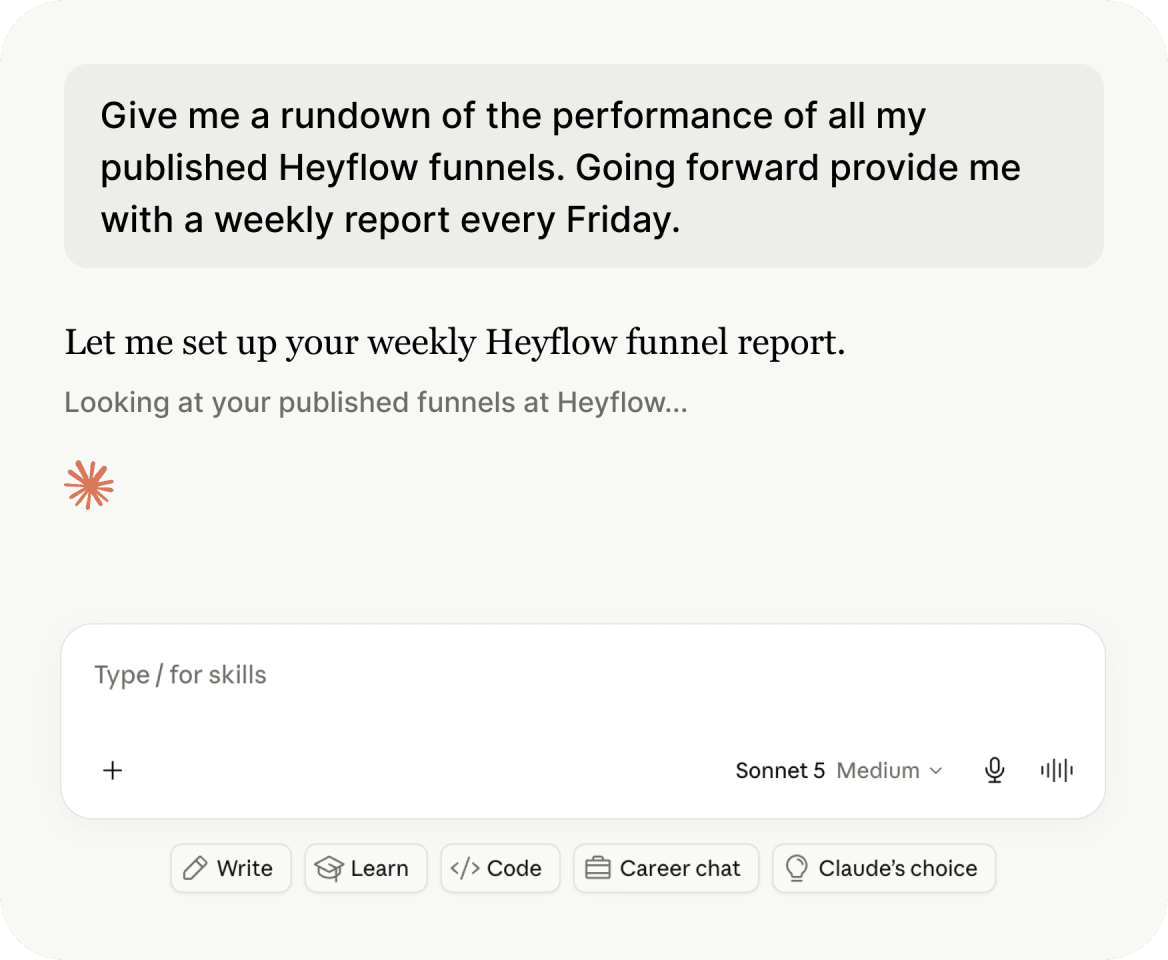

Report without building a deck.
- Ask for the week’s numbers across funnels – conversion, drop-off, test results – in one answer.
- Schedule it: the Friday recap lands in Slack or email, formatted for your client or your team.
How Heyflow picks up where your AI leaves off.
The build stays yours. The rest – tracking, lead quality, testing, compliance – comes from landing on Heyflow instead of doing it yourself.

Ad signal quality
Heyflow:
Server-side tracking to 5 platforms, native and maintained
Your AI alone:
You wire tracking yourself, manually
Lead quality
Heyflow:
Phone validation, SMS OTP, partial submits built in
Your AI alone:
Every submission looks like a lead
Proving a change worked
Heyflow:
Native A/B testing on every suggested fix – suggestion, test, winner
Your AI alone:
Changes ship on faith; whether they worked is your problem
Performance insights
Heyflow:
Real benchmarks and underperformance flags from Heyflow’s own analytics layer
Your AI alone:
Guesses from general best practices – no visibility into your actual data
Compliance
Heyflow:
SOC 2, ISO 27001, HIPAA, and EU hosting on every funnel, by default
Your AI alone:
You assemble your own compliance measures, page by page
Connected in minutes.
Go to Claude
Open your AI tool’s connector or MCP settings
Add Heyflow MCP
Add [mcp.heyflow.com] to your MCP list inside Claude
Sign in
Sign in with your Heyflow account to authorize.
Start building
Start a conversation and describe the funnel you want.
What is Heyflow MCP?
A Model Context Protocol connection that lets Claude, ChatGPT, or Cursor build and edit funnels directly inside Heyflow. You prompt your AI; it builds through Heyflow – and the funnel ships live with tracking, lead validation, and compliance already wired in.
What is an MCP (Model Context Protocol)?
An open standard that lets AI assistants securely connect to outside tools and data. Heyflow MCP uses it to give your AI direct, permissioned access to your Heyflow account – so it can build funnels and answer questions from your real performance data.
Which AI tools does it work with?
Claude, ChatGPT, and Cursor – plus any custom agent that speaks MCP.
Is my tracking really set up automatically?
Yes, for the five platforms Heyflow supports natively: Meta CAPI, TikTok Events API, Bing/Microsoft Ads, Taboola, and Outbrain. Google Ads and LinkedIn use client-side tracking - wired in, but not server-side.
Can my AI see how my funnel is performing?
Yes. Through MCP, your AI can query conversion rates, per-screen drop-offs, and benchmark comparisons from Heyflow’s analytics – and suggest fixes grounded in your actual numbers, not general advice.
Can my AI optimize my funnels on a schedule?
Yes, through your AI’s scheduled tasks: have it review your funnels weekly, surface the biggest leaks, and propose fixes – each one paired with a native A/B test before it meets your paid traffic. Your agent brings the cadence; Heyflow brings the proof.
What is the Heyflow CLI?
A command-line interface for building and editing funnels through LLMs at scale – manage many funnels or variants programmatically instead of one page at a time.
How is this different from just asking my AI to build a landing page?
The AI generates the page either way. The difference is what happens after: through Heyflow MCP, that page ships already wired for server-side tracking, lead validation, native A/B testing, and compliance. On its own, your AI gives you a page – you’d still build all of that yourself.