
Most tools stop at the dashboard.
Heyflow tells you how to turn data into revenue.
Screen-level analytics, one-click fixes, and industry benchmarks, so every funnel keeps improving without you staring at a dashboard.
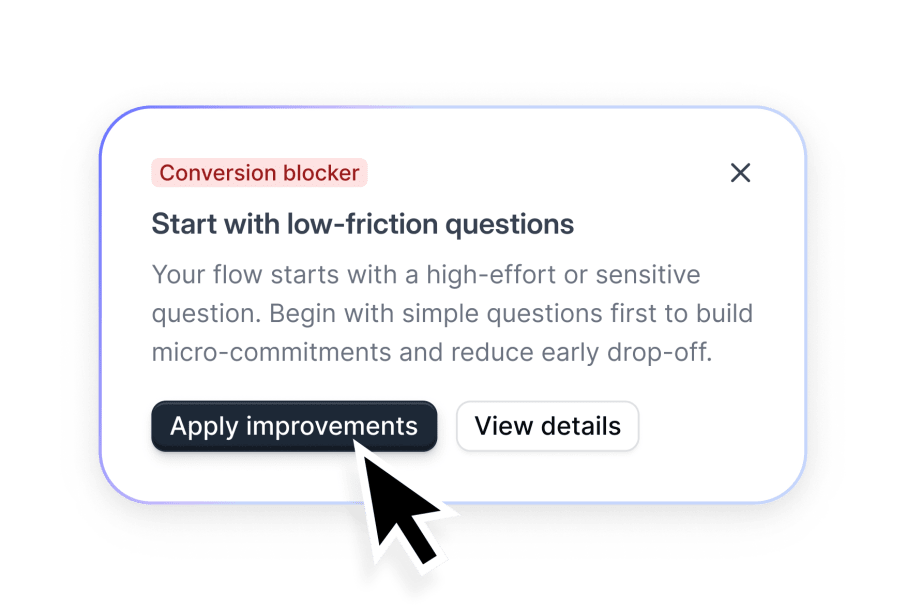
AI that optimizes for you.
Heyflow AI doesn't just show your performance – it also knows the Why, and lets you apply fixes in one click. Continuous insight analysis means your funnels keep improving even when you're not the one watching them.
It's already on it.
Stay ahead without watching the dashboard
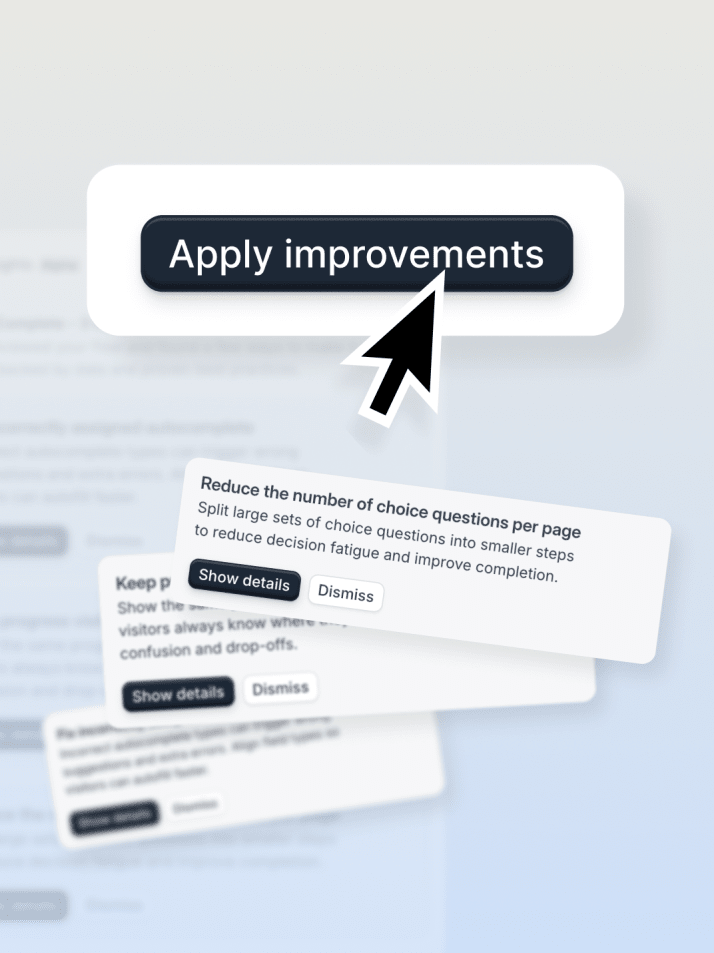
Stay optimized while you're not looking
One-click improvements apply AI-suggested fixes instantly, with continuous insight analysis keeping every funnel sharp.
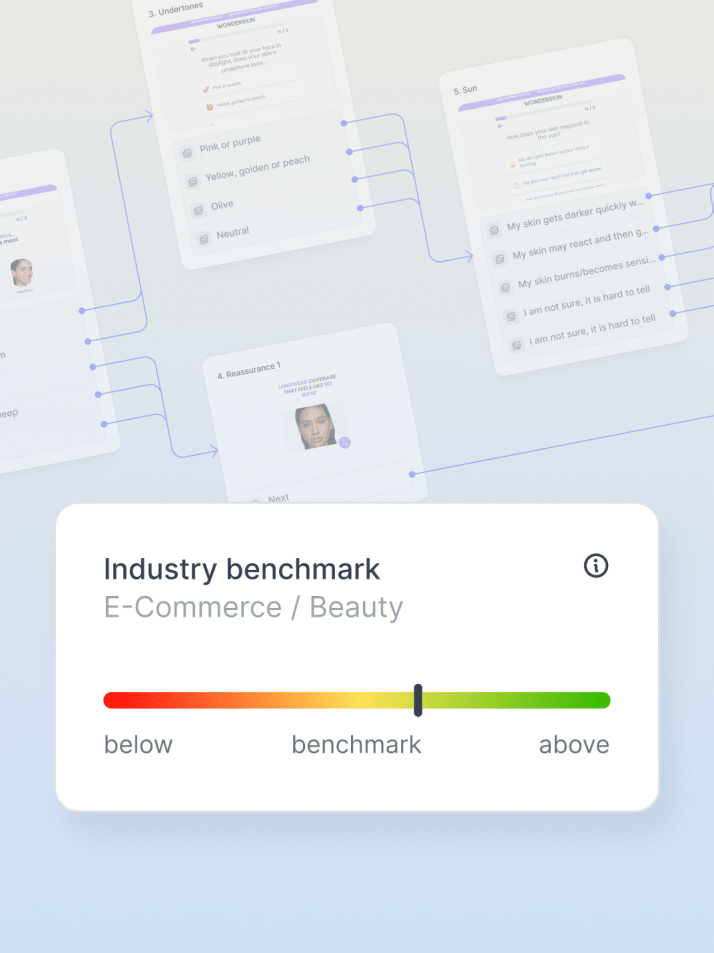
Know how you'll perform before traffic hits
Industry Benchmarking shows how your funnel stacks up against real competitors in your vertical, before you spend a dollar on ads.
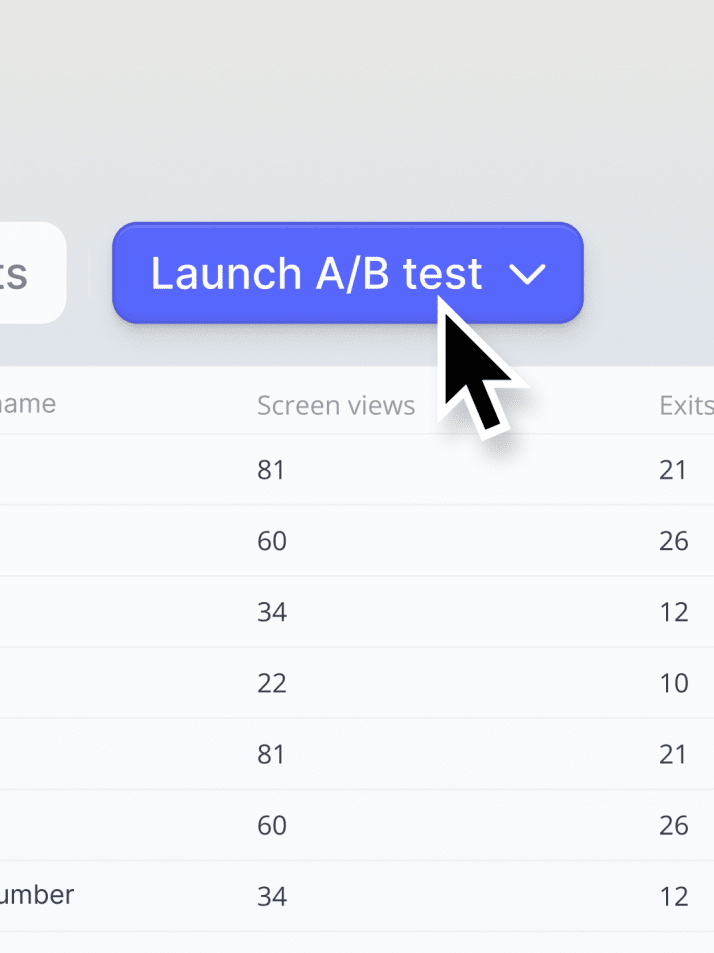
Decide with data, not guesses
Native A/B testing with statistical significance, so you know a change actually worked before you scale it.
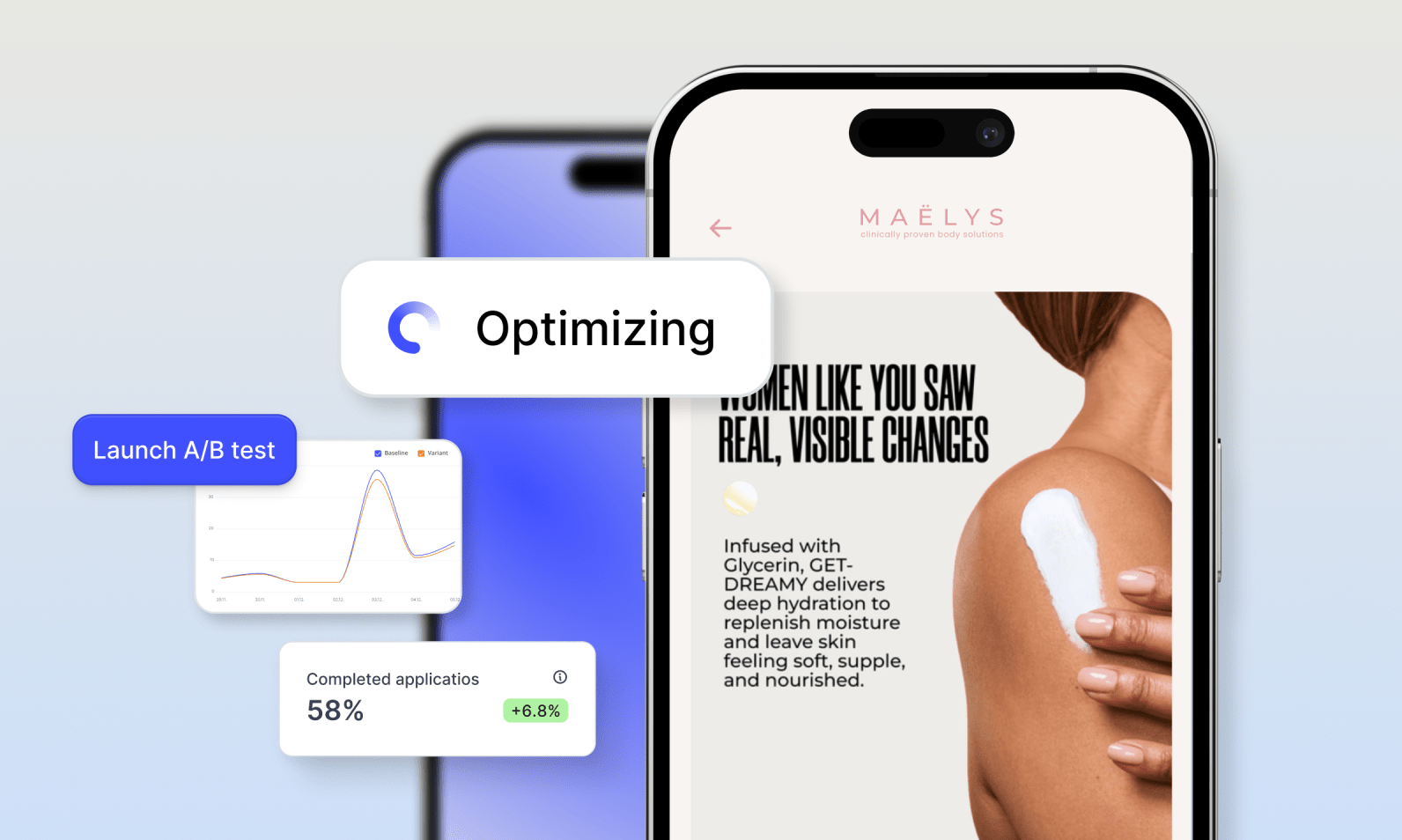
If it affects conversion, we’re already watching it.
Drop-off by device, time-of-day patterns, which question is losing people – if it's measurable, Heyflow is already tracking it
Any tool can show you a chart. Heyflow tells you what to change.
Generic dashboards and general-purpose AI stop at the diagnosis.
Heyflow closes the loop with the fix itself.

Diagnosing funnel performance
Heyflow:
Flags the exact screen, explains why, and suggests a fix you can apply in one click
Generic dashboards & DIY AI:
Shows you a chart, but doesn’t explain what to do next
What the AI actually knows
Heyflow:
Trained on 150K real funnels and $2B+ in ad spend, grounded in what's already proven to convert
Generic dashboards & DIY AI:
General-purpose training data, no specific knowledge of what drives conversions
Testing a change
Heyflow:
Native A/B testing runs inside the builder, meaning confident decisions in days, not sprints
Generic dashboards & DIY AI:
Requires a separate tool and weeks of waiting for a hypothesis to reach significance
Knowing where you stand
Heyflow:
Real, current competitor funnels benchmarked before traffic ever hits it
Generic dashboards & DIY AI:
Digging up a months-old industry report and hoping it still applies
Everything you'd expect, built in.
Tracking, testing, and insights, already part of the platform.
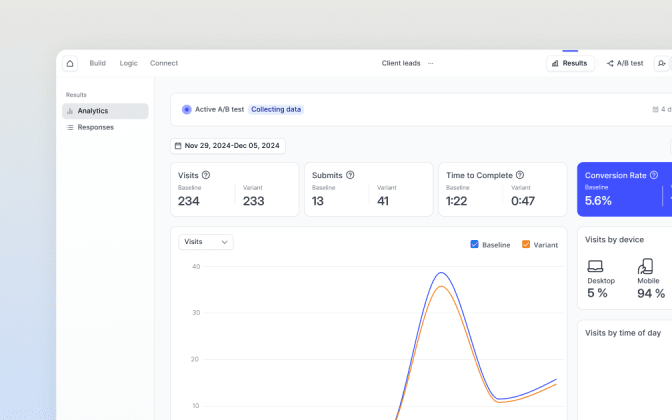
Built-in analytics tab
Visits, submits, time to complete, and conversion rate, all without extra setup.
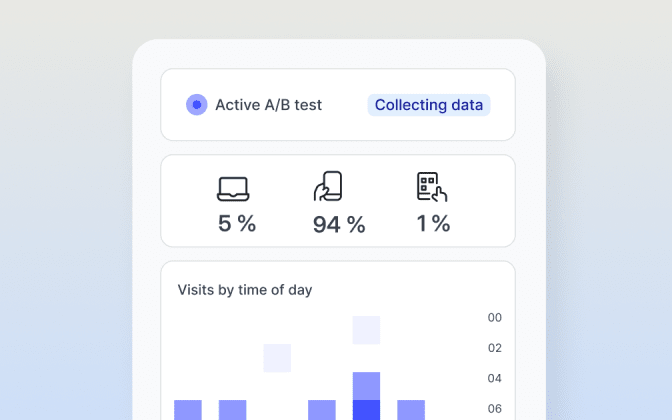
Drop-off analytics
See exactly which screen bleeds visitors, and by how much.
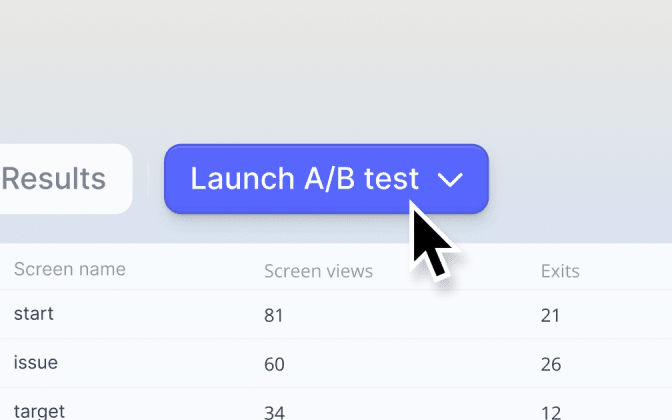
Native A/B testing
Test screens, logic, and design with statistical significance.
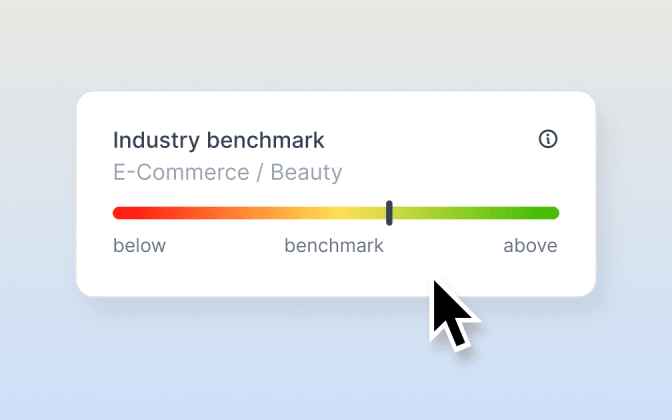
Industry benchmarking
Compare your funnel against real competitors before traffic hits it.
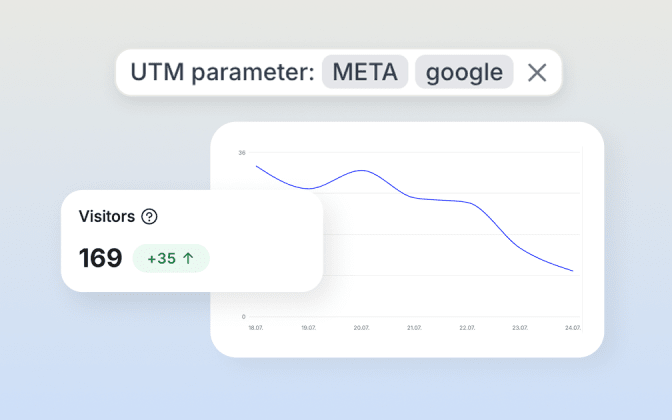
UTM parameters
Track exactly which campaign, ad, or channel drove each conversion.

Daytime heatmaps
See when your funnel gets traffic, and when it converts best.
Tim Heicks
Brand CMO
"For us, the tracking and analytics capabilities are extremely important. With Heyflow, we can get the insights we need to optimize our lead gen campaigns."


Native analytics integrations
Pipe Heyflow data into the analytics stack you already use.
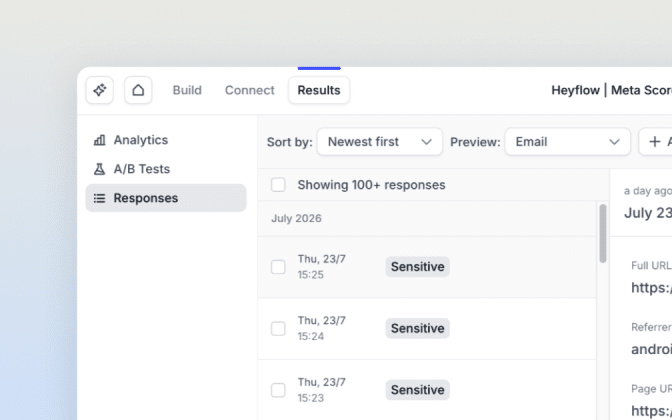
Built-in responses tab
Every submission stored, searchable, and exportable.
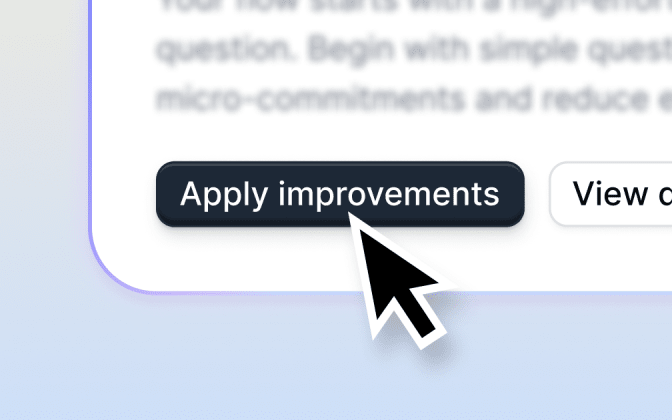
One-click improvements
Apply AI-suggested fixes without a dev ticket.
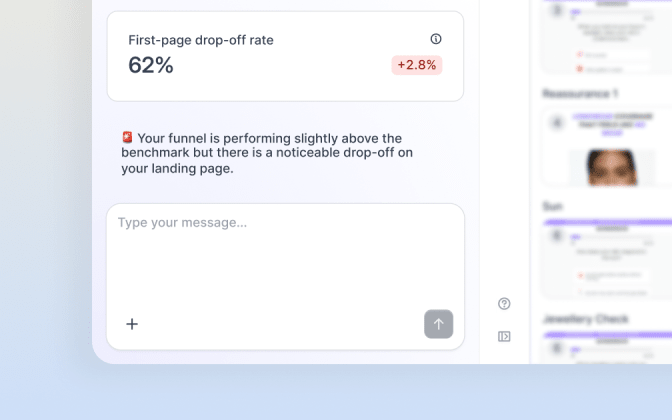
Continuous insight analysis
Heyflow keeps watching performance even after you've stopped looking.
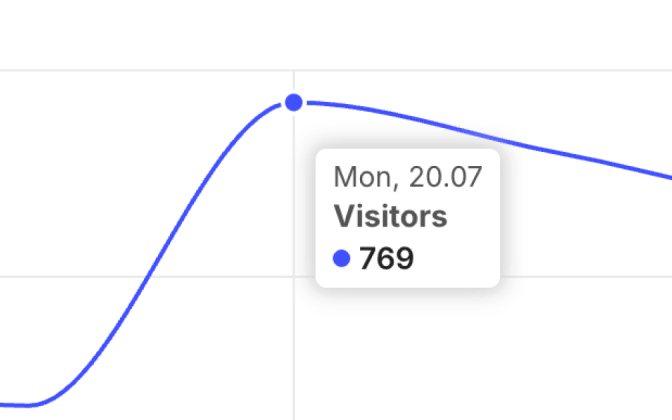
Device & conversion-rate-over-time
See how performance shifts by device and over time.
Certified & compliant.




Do I need any other tools if I use Heyflow?
Not for funnel-level insight. Built-in analytics cover drop-off, conversion rate, and device data natively. However, analytics integrations are available if you want to combine it with site-wide tracking.
How does A/B testing work?
Natively, with custom traffic splits and statistical significance, no separate testing tool required.
What is industry benchmarking?
A comparison of your artefact’s performance against real competitors in your vertical, based on Meta's discovery-funnel scorecard framework.
Can I apply fixes automatically?
Yes. One-click improvements let you apply AI-suggested changes directly.
Do I need coding or analytics experience to read the data?
No. The analytics tab is built for marketers, not analysts.